
2 min read
Accepting card payments on your website in Tunisia
What you need, how a payment works, what it costs and where to start to take card payments on your website.
By The Sollupay team
Your customers want to pay online, by card, without a bank transfer or cash on delivery. For a Tunisian website, that takes three things: a verified business, a secure payment page, and a way for your website to know a payment went through. Here's how it works with Sollupay.
What you need
First, a business, which we verify before your first real payments: you send its details and documents from your dashboard. The partner bank then opens an account in your name, where your payments land.
On the technical side, you need a website that can call an API, or a developer to do it. And if you have no website, payment links let you get paid anyway.
How a payment works
- Your customer checks out. Your website creates a payment session with the Sollupay API.
- They're sent to the payment page, which shows your shop's name, their order and the amount.
- They type their card on the secure page of Société Monétique Tunisie. Their bank confirms the payment with 3-D Secure.
- Sollupay notifies your server with a signed webhook. You confirm the order, and your customer comes back to your website.
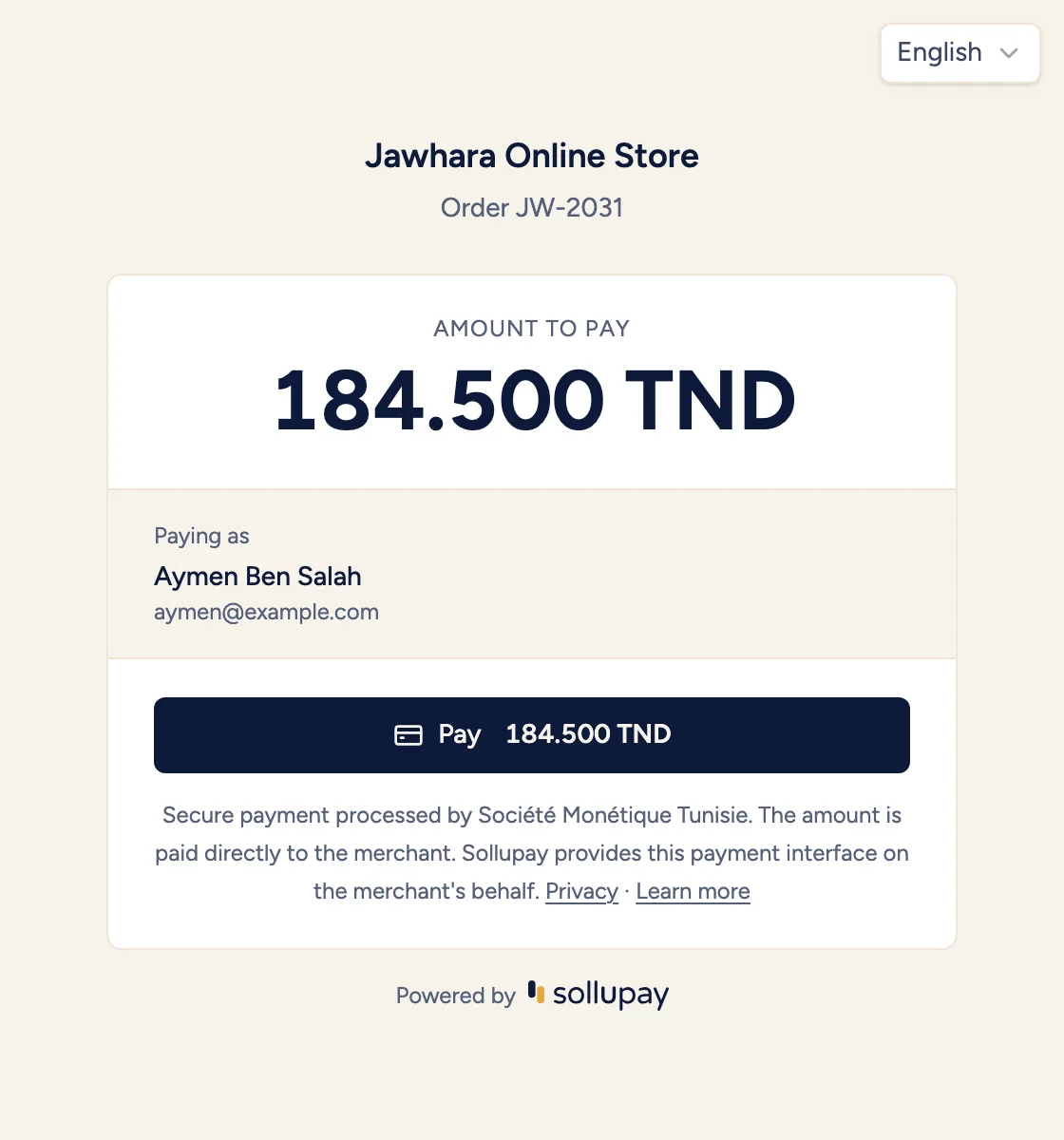
Card details never go through your website: there's nothing to store or secure on your side.
What it costs
You pay a percentage of each payment: 1.9% with a Tunisian card and 2.9% with a foreign card, excluding VAT, bank fees included. The card's origin is detected automatically. There's no setup fee, and Sollupay sends you its invoice at the end of each month.
How to integrate it
Your developer uses the API: a payment session, a redirect, a webhook. The documentation covers each step, with the requests and responses. Modules for Shopify, WooCommerce, WordPress, PrestaShop and WHMCS are coming soon, for those who'd rather not write code.
Where to start
- Create your account and try the whole flow in test mode, with no real money.
- Get your business verified from the dashboard.
- Turn on live mode and take your first real payments.